An API plan changes in one chat and gets implemented in another tool. The next reviewer needs to know which decision changed the scope and which draft reflects it. OrgX keeps those decisions, work, and evidence with the initiative so another person or agent can inspect them before continuing.
This May 2026 introduction describes that workflow. Capture and cross-client recovery remain partial; connecting a client does not establish a complete handoff.
What stays with the work
An initiative is the shared goal. Its workstreams, milestones, and tasks describe the work underneath it. A decision records a judgment, its owner, and supporting context. An artifact is an output someone can inspect, such as a proposal or code change. A receipt records what an agent reports doing and the evidence it supplied.
These records serve different purposes. A receipt can say that an agent produced a draft. The owner's review determines whether that draft is acceptable. Keeping both attached to the initiative makes it possible to trace the result back to the request without treating the agent's completion message as approval.
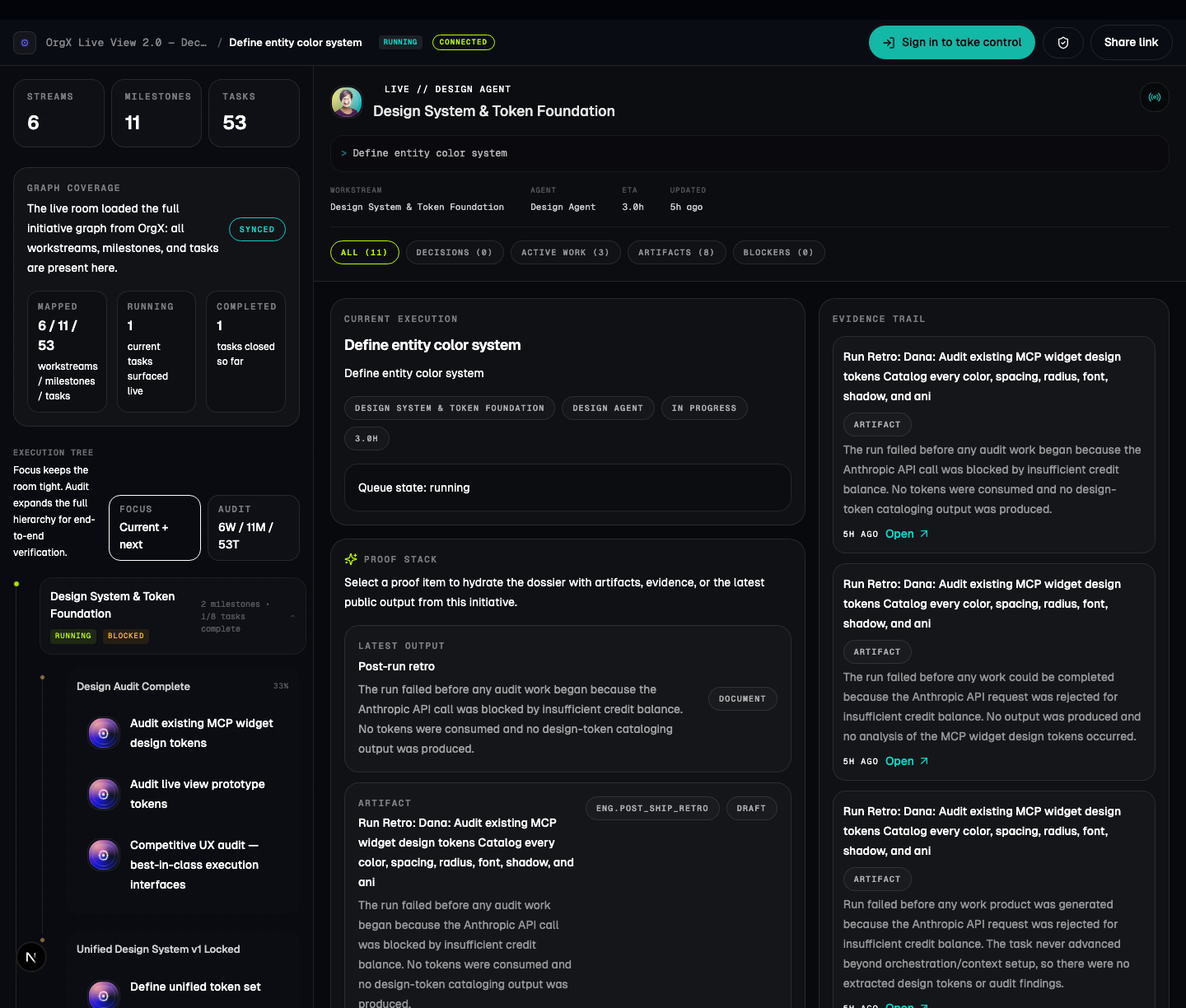
The launch screenshot illustrates the interface. Its displayed costs, value estimates, and scenario data are not evidence of customer savings or realized return on investment.
Follow one handoff
Consider an illustrative API change. The owner decides an existing response field must remain available for older clients. A later agent needs that compatibility decision before implementing the new response.
- Find the existing initiative rather than creating another API plan.
- Inspect the compatibility decision and its source. Check who made it and whether it is still current.
- Produce the implementation against that scope, then attach the changed version and check results to the work.
- Include the client versions affected by the compatibility decision. Ask the owner to review the actual output. Preserve a rejection or requested change as part of the record.
- In the next session, retrieve the same initiative, decision, and artifact before continuing.
When two decisions disagree, check their sources and ask the owner which one governs the current work.
The fifth step is the test. A plausible summary is insufficient if the new session cannot retrieve the compatibility constraint. Stop and repair the missing record before using that summary to change the response.
Where agents and people fit
Agents can help plan and execute supported work. People retain the judgment calls that the workflow reserves for them. OrgX's authority policy prevents an agent from raising its own autonomy or approving its own work. Broader approval flow, quality checking, and cross-client recovery have distinct rollout limits; a working connection does not establish all three.
Use the initiative view to inspect progress and artifacts. Use the decision queue when the next action needs an owner's ruling. If the evidence is incomplete, keep that uncertainty visible instead of converting a reported result into verified completion.
This also explains why connecting tools is only the beginning. The tools must reach the intended workspace, and the relevant records must actually have been written there. OrgX cannot recover a decision that was never saved, or authorize a record your connection cannot read.
Start with a read
The current client setup guide is the source for supported connection flows. MCP, the Model Context Protocol, lets an AI client call an external service through the tools that service exposes. The OrgX MCP repository documents that boundary.
The wizard is one setup path:
npx @useorgx/wizard@latest setupReview the setup scope, connect the intended workspace, and ask:
OrgX, confirm my connected workspace. Find one existing initiative,show its latest decision and source link, and identify the nextaction waiting on me. Do not create or approve anything.Open the returned record and check it. If your workspace is empty, begin with one initiative and an explicit decision, then test retrieval in a fresh supported session. Cross-client recovery remains partial beta support; verify the pair of clients you intend to use before relying on the handoff.